|
|
禁止求评分、诱导评分、互刷评分、互刷悬赏值,违规者封号处理。
禁止发布推广、邀请码、邀请链接、二维码或者有利益相关的任何推广行为。
所有非原创软件请发布在【精品软件区】,发帖必须按照本版块版规格式发帖。
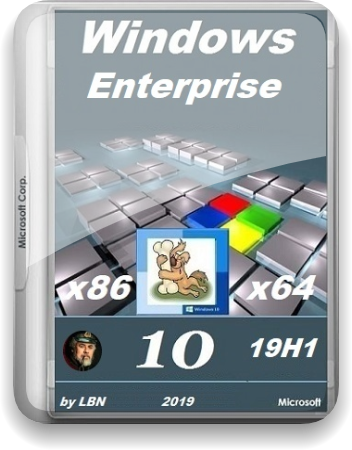
Microsoft Windows 10 Enterprise 18362.116 19H1 Release x86-x64 ZH-CN PIP
Year of release : 2019
Version : Windows 10 Enterprise 18362.116 19H1 Release
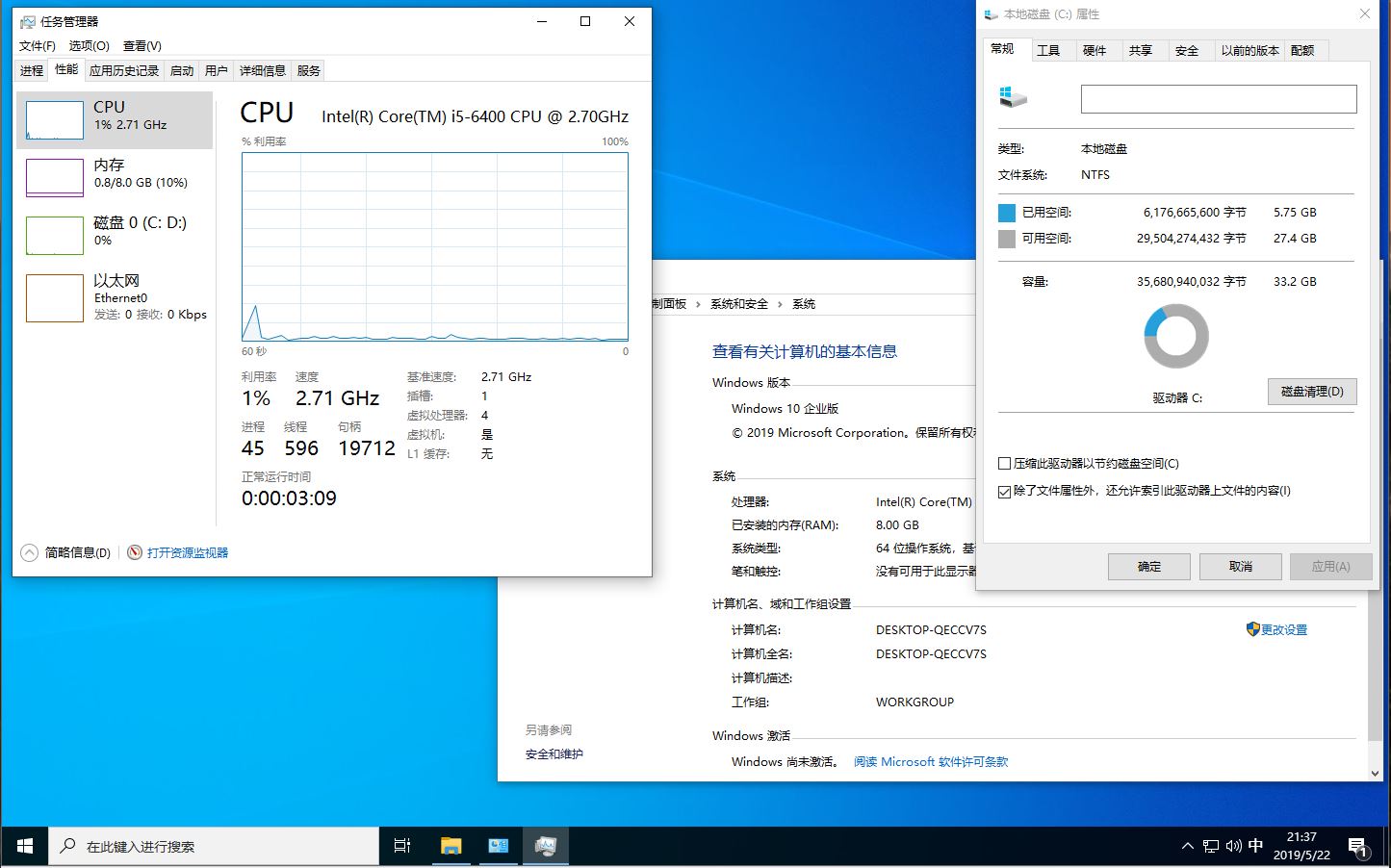
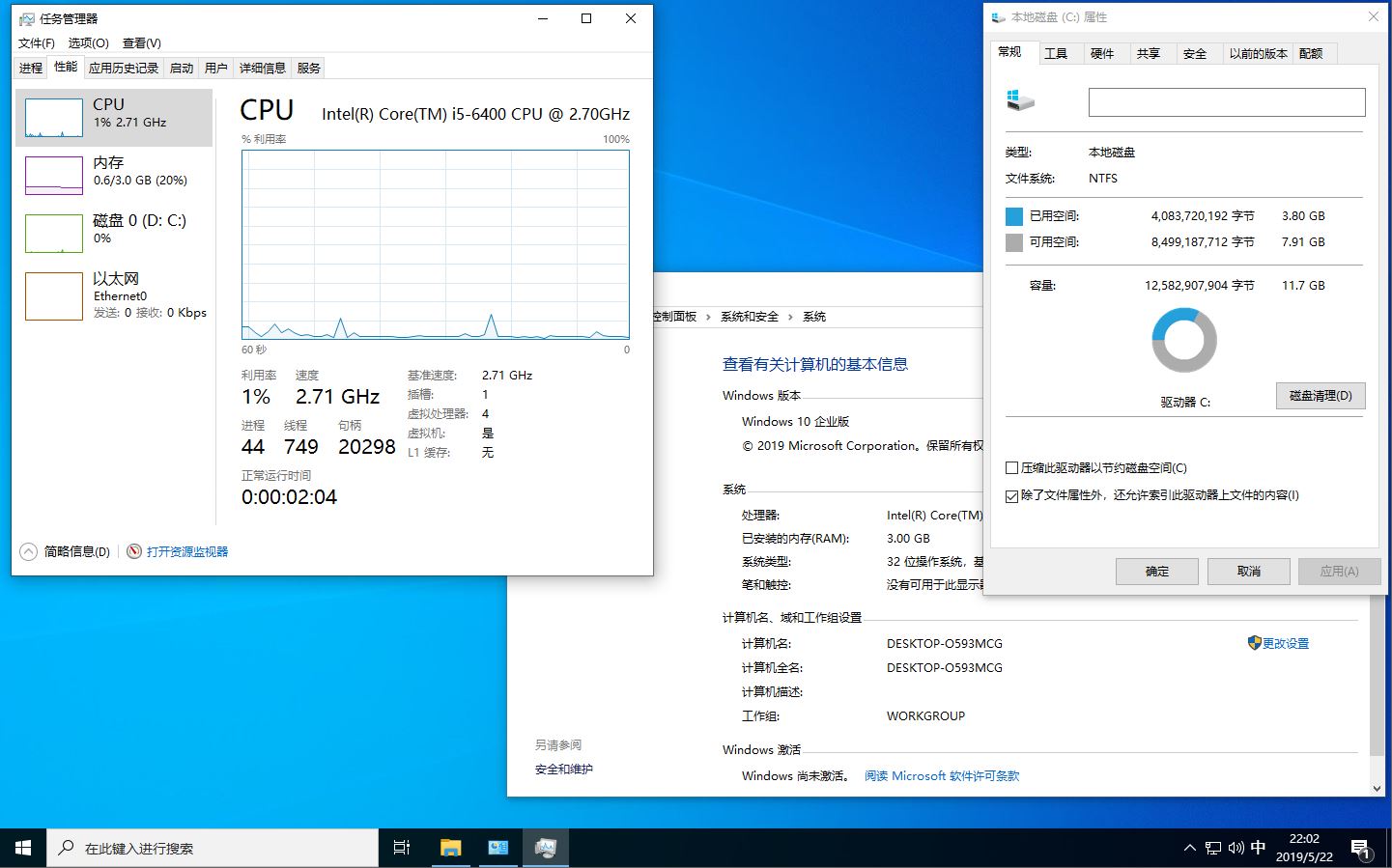
Platform : x86-x64
System requirements :
CPU - 1 ggz
RAM - 1-2 gb
HDD - 5-7 gb
Video - c DirectX 9.0
Display - 1024 x 768
Interface language : Chinese
Tabletka : required
Short description
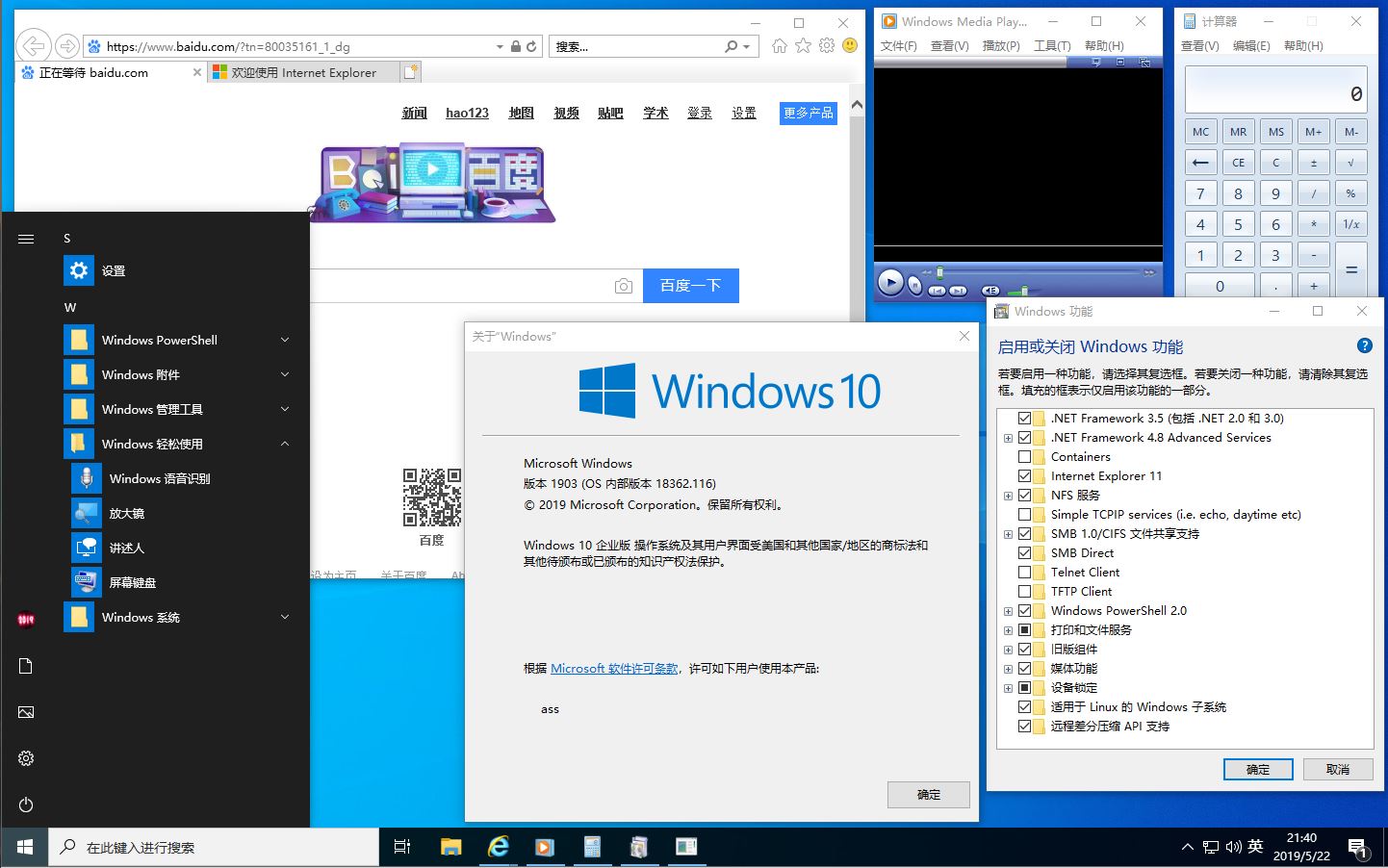
Chinese lightweight assemblies Enterprise 18362.116 19H1 Release, for PC and tablets, with Framework 3.5, UWF filter, Unix (x64), NFS, SMB1, touch and screen keyboards, speech, manuscript, BitLocker, but no store, EDGE, xBox, metro applications , Cortana, Defender, clouds, telemetry, browser caches, player, winsxs ... Includes Framework 3.5, ASP.NET 4.5, DirectPlay, UWF filter, Unix (x64), NFS, SMB1, support for developers and technicians (VisualStudio, AutoCAD , SQLServer, VIDA) ...
Removed
Drivers for modems (except basic and Nokia), printers (except HP, GE, OLED, MS), shop, EDGE, xBox, metro applications, Cortana, Defender, cloud, IIS, Hyper-V, migwiz, repair, other languages, screensavers, browser caches, player, winsxs ... Touch and screen keyboards, speech, manuscript, BitLocker, Native (compatibility packs only) left ... Included Framework 3.5, DirectPlay, ASP.NET 4.5, UWF filter, Unix (x64) , NFS, SMB1 ...
Presets
Disabled indexing, sharing processes, reserving space for updates, paging ... Search by third-party programs ...
Installation
Installing from a DVD or a prepared flash drive (just extract the contents of the image to a prepared FAT32 flash drive) from the BIOS using the "Press any key to BootCD ..." outright, you cannot upgrade, the key for installation is not required, KMS activation ... On the desktop Restart .cmd, running on behalf of Admin, will remove the cloud from autorun, disable hibernation, UAC, update center and background intelligent services, add an item in the F8 start menu "Enable last successful configuration", restart ...
Information for downloading
Assembly, like all previous and subsequent, does not pursue any commercial goals.
The build is released in order to familiarize with the capabilities of old and new Windows systems developed by MS.
Therefore, the author is not responsible for all use of this software.
The assembly is released "AS IS" and downloaded by you at your own will and at your own risk.
Checksums
CN_PIP.iso-CENA_X64FREV_ZH
the CRC32: 1889F78D
the MD5: 3D32277EE23F72270B034CB7AD9422B5
the SHA-1: DB99318B72A57301A321CD8888477C43406FEE7E
CENA_X86FREV_ZH-CN_PIP.iso
the CRC32: 5BA95837
the MD5: A2AD777D7E36B0D163ABA7729C18208C
the SHA-1: D519B7B81090B9FC4BF873B4DE08E24048A085C0
链接:https://pan.baidu.com/s/10kSBSbSSwQiIOeHLzMR-gA
提取码:sp9v
|
|




 雷达卡
雷达卡 发表于 2019-6-2 09:21
 提升卡
提升卡 置顶卡
置顶卡 沉默卡
沉默卡 变色卡
变色卡 照妖镜
照妖镜 关注公众号
关注公众号